A UPS gives you 15 minutes. A solar generator gives you 15 hours. They solve completely different problems — here’s the honest breakdown so you buy the right one.
Quick Answer: A UPS (uninterruptible power supply) protects computers and electronics from brief power flickers with instant switchover (2-10ms) but only lasts 10-30 minutes. A solar generator provides hours to days of backup power for your entire home and recharges from solar panels. For power outage protection, get a solar generator. For protecting a desktop computer or server from momentary flickers, keep a UPS on that device. Most homeowners need a solar generator, not a bigger UPS.
A UPS is a battery between your wall outlet and your computer. When power drops, it switches instantly (2-10 milliseconds) so your computer never notices. It buys you 10-30 minutes to save your work and shut down safely. It was never designed to power your house.
A solar generator is a portable power station with 10-100x more battery capacity. It powers refrigerators, lights, fans, medical devices, and multiple electronics for hours or days. It recharges from solar panels, wall outlets, or car chargers. It’s designed to replace the grid during an outage.
They’re not competitors — they solve different problems. The confusion happens because both are “battery backup,” and some solar generators now advertise UPS functionality.
| Factor | UPS | Solar Generator |
|---|---|---|
| Typical Price | $80–$500 | $300–$4,000 |
| Battery Capacity | 200–1,500Wh | 500–12,000Wh |
| Runtime (300W load) | 10–30 min | 1.5–40 hours |
| Transfer Time | 2–10ms | 10–500ms |
| Max Output | 300–1,500W | 1,000–7,200W |
| Solar Recharging | No | Yes |
| Portability | Stationary | Portable (wheels/handles) |
| Runs Refrigerator | No (too little capacity) | Yes (10–40 hours) |
| Runs AC Unit | No | Yes (1,500W+ models) |
| Battery Chemistry | Lead-acid (typical) | LiFePO4 (modern models) |
| Cycle Life | 200–500 cycles | 3,000–4,000 cycles |
| Surge Protection | Built-in | Some models |
| Best For | Computers, servers, routers | Whole-home backup |
This is where UPS buyers get burned. A $150 APC Back-UPS 1500VA sounds powerful — “1,500VA” looks like 1,500 watts. But the actual battery is only about 800Wh, and the inverter maxes at 900W real power. Running a 300W load (desktop + monitor + router), you get approximately 15 minutes.
Meanwhile, a $500 solar generator like the BLUETTI AC70 packs 768Wh of LiFePO4 battery and runs that same 300W load for over 2 hours. A $1,500 BLUETTI AC200L (2,048Wh) runs it for nearly 7 hours.
| Device | Type | Capacity | 300W Runtime | Price |
|---|---|---|---|---|
| APC Back-UPS 1500VA | UPS | ~800Wh | ~15 min | $150 |
| CyberPower 1500VA | UPS | ~720Wh | ~12 min | $140 |
| BLUETTI AC70 | Solar Gen | 768Wh | ~2.5 hours | $500 |
| EcoFlow DELTA 2 | Solar Gen | 1,024Wh | ~3.4 hours | $699 |
| BLUETTI AC200L | Solar Gen | 2,048Wh | ~6.8 hours | $1,399 |
| Jackery 2000 Plus | Solar Gen | 2,042Wh | ~6.8 hours | $1,999 |
| EcoFlow DELTA Pro Ultra | Solar Gen | 6,000Wh | ~20 hours | $3,999 |
The math is brutal for UPS: At comparable prices ($150 UPS vs. $500 solar generator), the solar generator delivers 10x the runtime. At higher budgets, the gap gets wider.
A UPS isn’t obsolete. It does one thing that most solar generators can’t: instant, seamless switchover.
Most solar generators take 10-20ms for their “UPS mode,” and cheaper ones take 200-500ms. That’s fast enough for a refrigerator or lamp, but potentially too slow for a desktop PC that needs continuous power.
The exceptions: The EcoFlow DELTA Pro Ultra (20ms), Nature’s Generator Powerhouse (10ms), and some BLUETTI models offer UPS-grade transfer times. If you buy one of these, you may genuinely not need a separate UPS for anything.
Here’s what we recommend for homeowners who want reliable power outage protection:
One solar generator (1,000–2,000Wh) covers fridge, lights, phones, Wi-Fi, and fans for 5–15 hours. Add a $80 UPS on your desktop computer if you work from home. Total: $580–$1,580.
A high-output solar generator (3,000–7,200W) runs window AC, kitchen appliances, power tools, and all electronics. Solar panels enable indefinite runtime. Skip the UPS entirely if the solar generator has 20ms or faster transfer.
$140 UPS on your desktop + monitor for instant switchover. $500 solar generator for the rest of the house. The UPS handles the 15-second gap while you plug into the solar generator.
A solar generator with UPS mode (EcoFlow DELTA 2 Max or similar) keeps CPAP, oxygen concentrators, and medical equipment running for 8–24 hours. See our medical device guide.
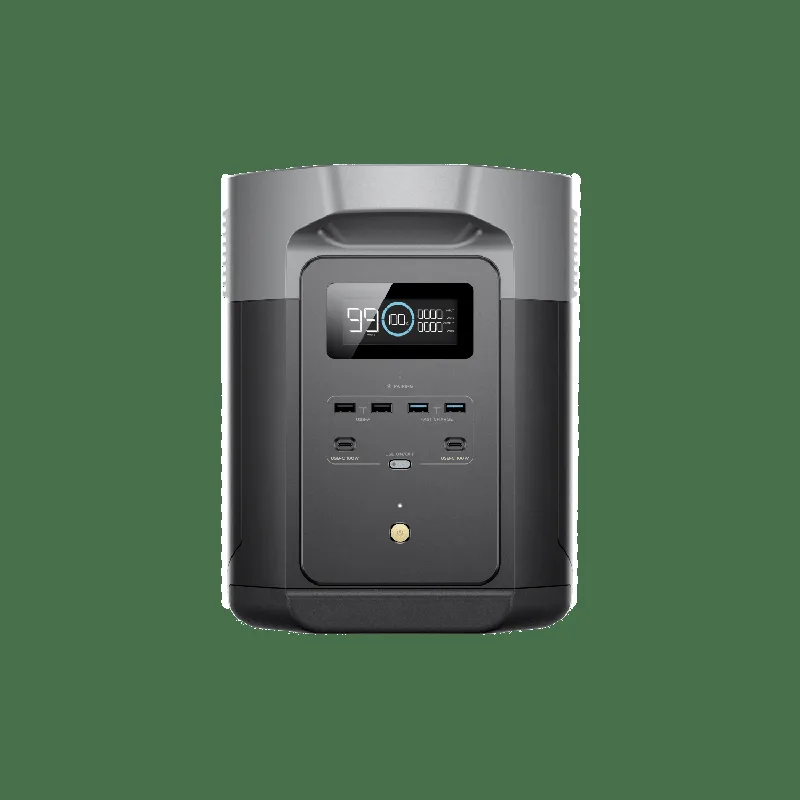
Expandable to 6,144Wh. 1,000W solar input. 20ms UPS mode. 3,000 cycles. Runs fridge + lights + router for 12+ hours. Best balance of price, capacity, and features for typical home backup. Full review →

Expandable to 3,072Wh. 500W solar input. UPS mode. Runs essentials for 5+ hours. The budget pick that still handles real loads.
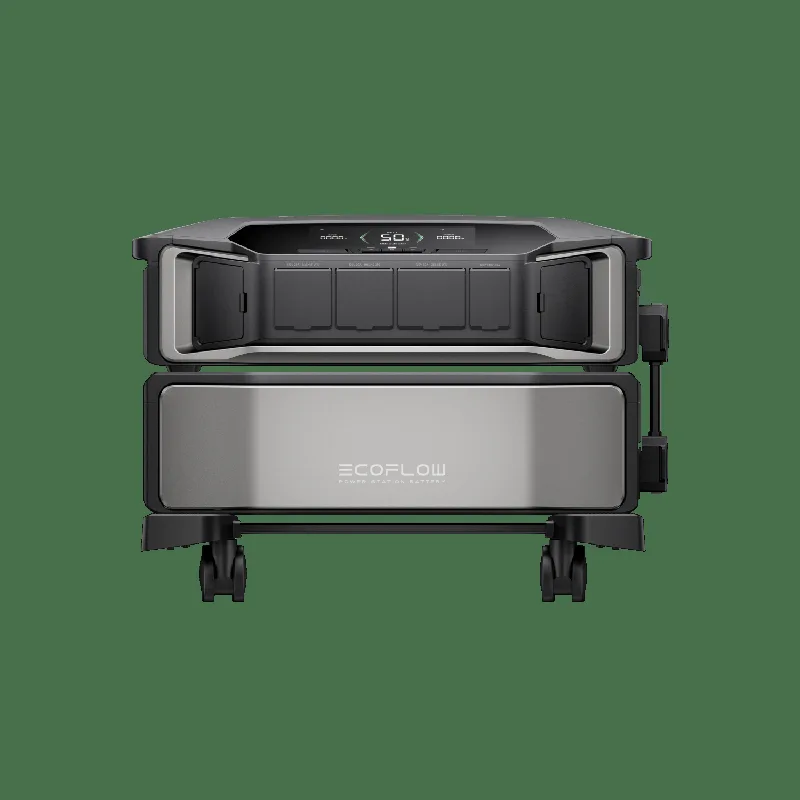
20ms UPS transfer. 120/240V. 5,600W solar input. Runs entire home including central AC. Expandable to 21.6kWh. No UPS needed. Full review →
Full Power Outage Guide Home Backup Picks
Yes — and for home offices, it’s the smartest setup. Here’s how:
This gives you UPS-grade instant switchover for sensitive electronics plus hours of backup for everything else. Total cost: $140 UPS + $700-$2,000 solar generator = reliable home backup for under $2,200.
Get a solar generator. A UPS lasts 10-30 minutes — enough to save your work, not enough to keep your food cold. A solar generator runs your home for hours to days and recharges from solar panels. For desktop computers specifically, add a $140 UPS for instant switchover.
For most devices, yes. Solar generators with UPS mode (EcoFlow DELTA Pro Ultra at 20ms, Nature’s Generator Powerhouse at 10ms) switch fast enough for all but the most sensitive equipment. For desktop PCs and servers, a dedicated UPS with 2-10ms transfer is still recommended as a safety layer.
10-30 minutes under typical load (desktop + monitor + router at 300W). That’s enough time to save your work and shut down safely, but not enough to ride out an outage. A $700 solar generator gives you 3+ hours; a $2,000 model gives you 15+ hours.
The EcoFlow DELTA 2 Max ($1,899, 2,048Wh, 2,400W) is our top pick for most homes. For whole-home backup including AC, the EcoFlow DELTA Pro Ultra ($3,999, 6,000Wh, 7,200W) or Nature’s Generator Powerhouse ($2,800, 4,800Wh, 7,200W) are the top choices. See our full home backup guide.
Take our 60-second quiz or compare all models side-by-side.
Take the Generator Quiz Compare Models Full power outage buying guide →47 pages. Plain English. No fluff. Covers every major brand, real-world runtime tests, and our top picks for every budget.
No spam. Unsubscribe anytime. We hate junk mail as much as you do.